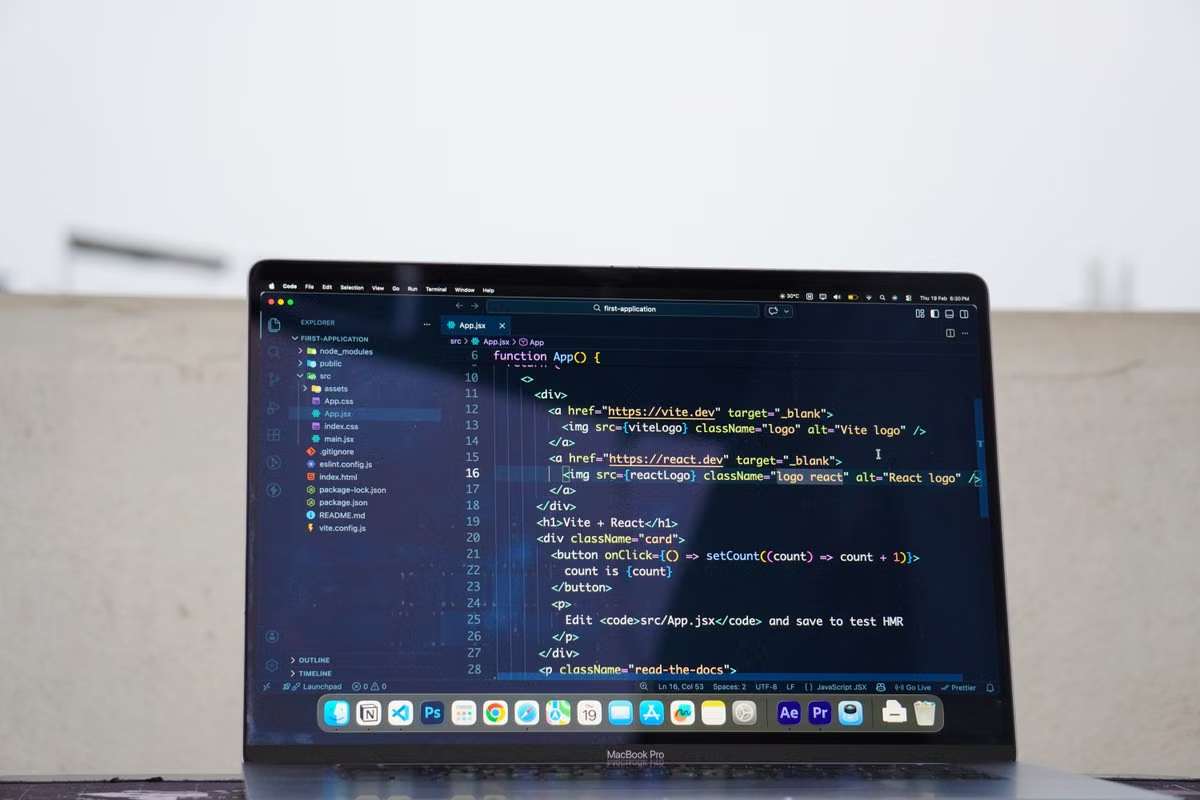
A model may launch on your Mac while its important operators still run on the CPU.
For PyTorch 2.14 MPS on Mac, start with Apple Silicon for prototypes, inference, light training, and macOS compatibility checks. Keep a Linux GPU for large training, CUDA-specific dependencies, distributed workflows, or models that fail operator validation. The acceptance target is not an unverified benchmark. It is a workflow that runs, produces trustworthy results, and can be reproduced.
This week’s action: create an isolated MPS environment, test one representative model, save the logs, and decide whether your project belongs in the Mac lane, the dual-platform lane, or the Linux GPU lane.
01Who should use this guide
This guide is for graduate students who need to validate PyTorch on macOS without owning a local Mac. A remote Mac can cover installation, model loading, and reproducibility checks.
It also helps developers testing their own research code and technical staff defining the boundary between Apple Silicon workstations and Linux GPU nodes.
02Acceptance warning: MPS availability, model compatibility, and useful training performance are three different conclusions. A positive result at the first level does not prove the other two.
The three workload lanes
PyTorch 2.14 includes Apple Silicon native linear algebra capabilities and MPS-related improvements in its official release notes. That confirms continued platform development. It does not confirm that every research model, custom operator, or third-party extension is stable on MPS. Read the PyTorch 2.14 release notes as a platform update, not as a compatibility guarantee.
Use the following split before you install anything:
- Mac-first: model prototypes, single-machine inference, teaching exercises, preprocessing experiments, and macOS application compatibility tests.
- Dual-track: research code that should run on Mac but will eventually train on a Linux GPU, or projects where you need an Apple Silicon regression environment.
- Linux GPU-first: long training runs, CUDA-only libraries, distributed jobs, custom CUDA extensions, and workflows with strict accelerator-memory assumptions.
The key decision is not whether MPS exists. It is whether your complete data path uses MPS reliably enough for the result you need.
Prototype and inference work
Mac is often a sensible first environment when the objective is to check model logic, input formats, preprocessing, checkpoint loading, or inference output. You can also use it to reproduce a bug that only appears on macOS or Apple Silicon.
For a small research team, this avoids buying a machine before the software path is known to work. It also gives developers a real macOS target instead of relying on an Intel compatibility layer or a non-Mac operating system.
However, keep the reference environment visible. If the final paper or production pipeline depends on a Linux GPU, compare the Mac result with that environment before drawing scientific conclusions.
Long training and CUDA-bound work
A Mac should not automatically replace a lab GPU server. CUDA-specific extensions, third-party custom operators, distributed training, and code that assumes NVIDIA memory behavior need separate validation.
Apple Silicon unified memory is not the same as CUDA device memory. Do not convert a Mac’s available system memory into an assumed equivalent amount of GPU memory. Track memory pressure, batch-size changes, process termination, and checkpoint frequency on the actual machine.
If your model fails on a critical operator, or if the project requires a CUDA library that has no MPS path, stop expanding the Mac test. Move that workload to Linux or keep Mac only as a compatibility target.
03Apple Silicon environment baseline
A clean environment is more important than a quick install. First record the hardware model, macOS release, Python interpreter, PyTorch version, project commit, dependency lockfile, and dataset revision. The official PyTorch installation selector should determine the installation command for your selected platform rather than an old blog post.
Check that all three layers agree:
- The Mac is Apple Silicon.
- The terminal and Python interpreter are using the arm64 environment.
- PyTorch was installed into that same interpreter.
Avoid copying an Intel-oriented tutorial into a current Apple Silicon setup. A successful pip command is not proof that the interpreter, wheel, and shell architecture are aligned.
A minimal environment record can look like this:
python -VV
python -c "import platform; print(platform.machine())"
python -c "import torch; print(torch.__version__)"
Do not hard-code a version claim from an older guide. Record the output produced by your own environment and retain the installation page used for the decision.
04MPS detection and first validation
Use the MPS checks documented by PyTorch:
import torch

print("PyTorch:", torch.__version__)
print("MPS built:", torch.backends.mps.is_built())
print("MPS available:", torch.backends.mps.is_available())

device = torch.device("mps" if torch.backends.mps.is_available() else "cpu")
x = torch.ones((4, 4), device=device)
print(x.device)
The official MPS backend documentation explains the build and availability checks. The final tensor operation matters because it verifies that the runtime can create an MPS tensor.
Treat the output as a first gate:
is_built()is false: the installed package was not built with MPS support.is_built()is true butis_available()is false: inspect the Mac hardware, macOS environment, and installation selected by the official documentation.- Both are true: proceed to model-level testing. Do not approve the project yet.
Next, test the actual model. Move the model and input tensors to the same device. Run a forward pass, loss calculation, backward pass, optimizer step, evaluation pass, and checkpoint save. A tensor-only test cannot expose a missing operator inside your model.
05Model behavior and CPU fallback
A common failure pattern is a training script that reports success while part of the graph runs on the CPU. This can happen when an operation lacks MPS support or when the code places one component on the CPU. It can also occur when fallback behavior is enabled for unsupported operations.
Your test should record:
- The device of model parameters.
- The device of each input batch.
- The device used by the loss function.
- Warnings about unsupported operations.
- Any CPU fallback setting.
- Batch size and sequence or image dimensions.
- Checkpoint save and reload results.
PyTorch provides MPS environment controls for debugging and fallback behavior. Review the MPS environment variable reference before changing a setting. If you enable fallback to make a script continue, label the run as a fallback run. Do not present it as pure MPS execution.
A practical acceptance test uses a small, representative sample first. Then increase the batch size or input dimensions until you reach the workload range needed by your study. Record where memory pressure appears. One successful batch does not establish stability for a long experiment.
06Cross-platform reproducibility
Mac, CPU, and Linux GPU runs do not need to produce byte-identical output to be scientifically useful. They do need a documented comparison boundary.
Compare the following items:
- Input preprocessing and normalization.
- Model and optimizer state after checkpoint loading.
- Random seed handling.
- Evaluation metrics on the same sample.
- Output shape, dtype, and missing-value behavior.
- Checkpoint compatibility.
- Logs, warnings, and fallback events.
- Numerical tolerance appropriate to the task.
The PyTorch numerical accuracy notes explain why numerical results can differ across hardware and backend implementations. Define an acceptable difference before the comparison, not after seeing the output.
For checkpoint handling, use a documented save and load procedure. The official model saving and loading tutorial is the appropriate reference for checking state dictionaries and reload behavior.
A good dual-track arrangement is simple:
- Mac handles prototype development, macOS regression, lightweight inference, and compatibility checks.
- Linux GPU handles long training, CUDA-dependent code, distributed work, and final scale testing.
- Both platforms use the same repository, preprocessing specification, test sample, and result comparison script.
Distributed workflows need special caution. Consult the PyTorch distributed documentation instead of assuming that a single-device MPS test validates multi-node or multi-process behavior.
07Remote Mac acceptance workflow
If you do not own an Apple Silicon Mac, a remote Mac can answer the compatibility question without forcing an immediate hardware purchase. The remote machine is a validation environment, not automatically a replacement for an HPC cluster.
Follow this sequence:
- Confirm access. Test SSH or the web console. Verify that you can open a shell, create files, and inspect the Python environment.
- Create an isolated project directory. Keep code, environment records, logs, checkpoints, and result files separate from unrelated users or projects.
- Install from a recorded specification. Use the official PyTorch selector and save the command, package list, Python output, and macOS details.
- Upload a minimal non-sensitive dataset. Start with a small sample. Do not transfer identifiable or restricted research data until your institutional approval and access controls are clear.
- Run a non-interactive task. Use a shell script or job command that writes standard output and errors to files. Include the Git commit and environment record in the log.
- Disconnect and reconnect. Check whether the process continues, whether logs remain available, and whether the output can be recovered after a session interruption.
- Validate export and cleanup. Download the result, reload the checkpoint elsewhere, confirm file integrity, and remove temporary data according to your lab policy.
Keep remote desktop responsiveness separate from model execution speed. A laggy VNC session does not prove that the training process is slow. Conversely, a responsive desktop does not prove that every operator is running on MPS.
For a short compatibility test, you can review VpsMesh’s Mac rental options and choose a period that matches the validation task. If you need to inspect the available remote access workflow before starting, the VpsMesh remote Mac service overview provides the relevant service context. The correct question is whether your own model and dependencies pass acceptance, not whether a generic example starts successfully.
08Decision table for research teams
| Decision path | Suitable workload | Required evidence | Keep a fallback? | Final recommendation |
|---|---|---|---|---|
| Mac-first | Prototypes, inference, teaching, light training, macOS checks | Representative model runs on MPS with no critical fallback and valid outputs | Keep a reference platform for important studies | Approve Mac for the defined scope |
| Mac plus Linux GPU | Cross-platform research code, moderate experiments, Apple Silicon regression | Same inputs, checkpoints, preprocessing, and metrics compare within a pre-defined tolerance | Yes, Linux GPU remains the scale platform | Use Mac for development and Linux for heavy work |
| Linux GPU-first | CUDA extensions, distributed training, large sustained jobs, unsupported operators | Mac fails a required operator or cannot reproduce the target workflow | Yes, Mac may remain a macOS test target | Stop using MPS for the critical training path |
This table is a decision tool, not a performance ranking. Without a real model test, you cannot infer training speed, stability, or cost from the backend name alone.
09Acceptance checklist and release gates
Use three release gates for a research project.
Gate one: Mac-native approval
Approve Mac when the representative model completes preprocessing, forward and backward passes, evaluation, checkpoint save and reload, and result export. Logs must show that critical operations did not silently move to the CPU.
Gate two: dual-track approval
Choose Mac plus Linux GPU when Mac passes functional tests but the final workload needs longer runs, larger batches, CUDA packages, or broader operational capacity. Make Linux the reference for final-scale training and retain Mac for regression.
Gate three: MPS rejection
Stop using MPS for the critical path when a required operator is unavailable, fallback changes the scientific behavior, checkpoint compatibility fails, or the workflow depends on CUDA-only components. Keep the failed log. It is useful evidence for the environment decision and future debugging.
This process also prevents a common mistake: treating a remote Mac as an HPC node substitute. Remote access solves hardware availability and platform validation. It does not remove limits imposed by model size, memory pressure, backend coverage, or long-running job requirements.
10Frequently asked questions
Enabling MPS on Apple Silicon
Install PyTorch in a clean arm64 environment selected through the official installation page. Then check torch.backends.mps.is_built() and torch.backends.mps.is_available(). Move a test tensor to torch.device("mps"). After that, run the real model path. The first successful tensor transfer only proves basic backend availability.
MPS compared with CUDA
MPS is not a drop-in CUDA replacement. It can support Mac-based prototyping, inference, light training, and compatibility testing. CUDA remains the safer choice for CUDA-specific extensions, distributed training, custom kernels, and workflows that require broad accelerator support. Decide from the project’s operators and execution path, not from the presence of an MPS device.
CPU fallback during training
Check every model parameter, input tensor, and loss tensor. Review warnings and any configured fallback variables. A model can complete while unsupported operations execute on the CPU. Record the fallback location and compare results with fallback disabled where possible. If the missing operator is central to the experiment, move the project to Linux GPU rather than hiding the warning.
Remote validation without a local Mac
Use a remote Mac to install the environment, upload a minimal dataset, execute a non-interactive test, preserve logs, and verify checkpoint export. Disconnect and reconnect before approval. Also test permissions and cleanup. This approach is suitable for short-term validation when your lab lacks Apple Silicon hardware, but it does not prove that the machine can replace a long-running GPU server.
Pre-release research checks
Before approval, test the complete path: preprocessing, training or inference, evaluation, checkpoint reload, result export, and reproducibility against the reference platform. Record versions, seeds, dependencies, warnings, fallback points, and numerical differences. Choose Mac, dual-track, or Linux GPU based on these records. Do not approve MPS from an import test alone.
If your current setup is a shared Linux or Windows machine, it may already be familiar, but it can leave you without a real macOS target, Apple Silicon coverage, or a dependable way to verify platform-specific behavior. Buying a Mac adds upfront hardware cost, while using an unsuitable cloud or compatibility layer can introduce missing permissions, inconsistent environments, and limited control over the actual system. For a short MPS or macOS validation task, renting a remote Mac through VpsMesh can give you a cleaner test boundary before you commit to permanent hardware. Start with your real model, data policy, and acceptance log; if the workflow passes, you will have evidence for a longer-term decision rather than a generic compatibility assumption.